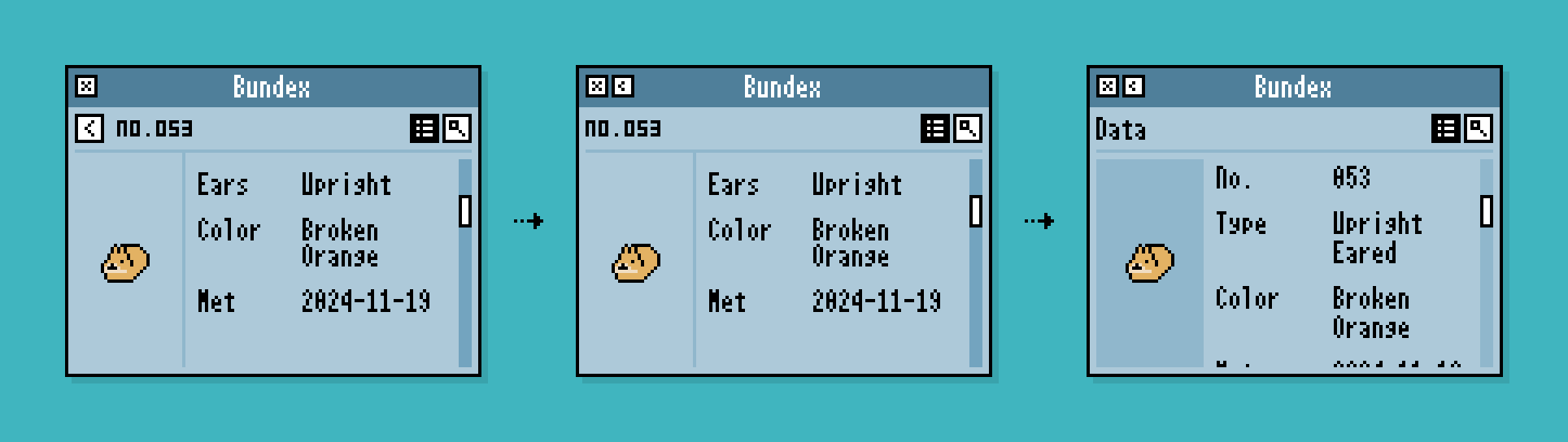
Bundex Screen Design (2): Back Button Layout
In the Bundex screen transitions, a button is needed to return from the detail screen to the list screen.
Since a back function will also be needed on other screens, a consistent rule is necessary.
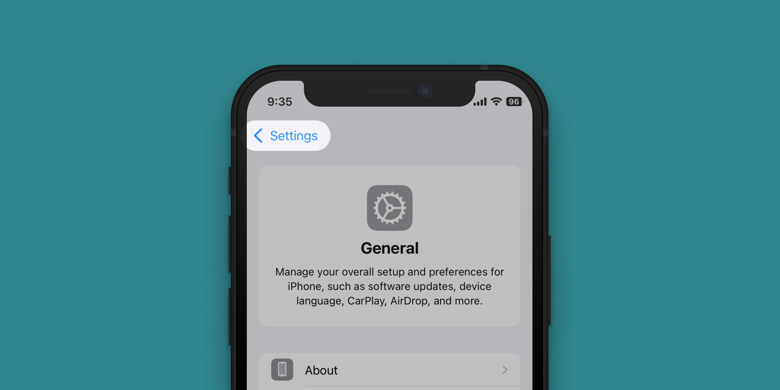
The back button typically functions to return to a previous screen, a higher level in the hierarchy, and is usually placed at the top-left of the screen. You can see this on your smartphone as well.
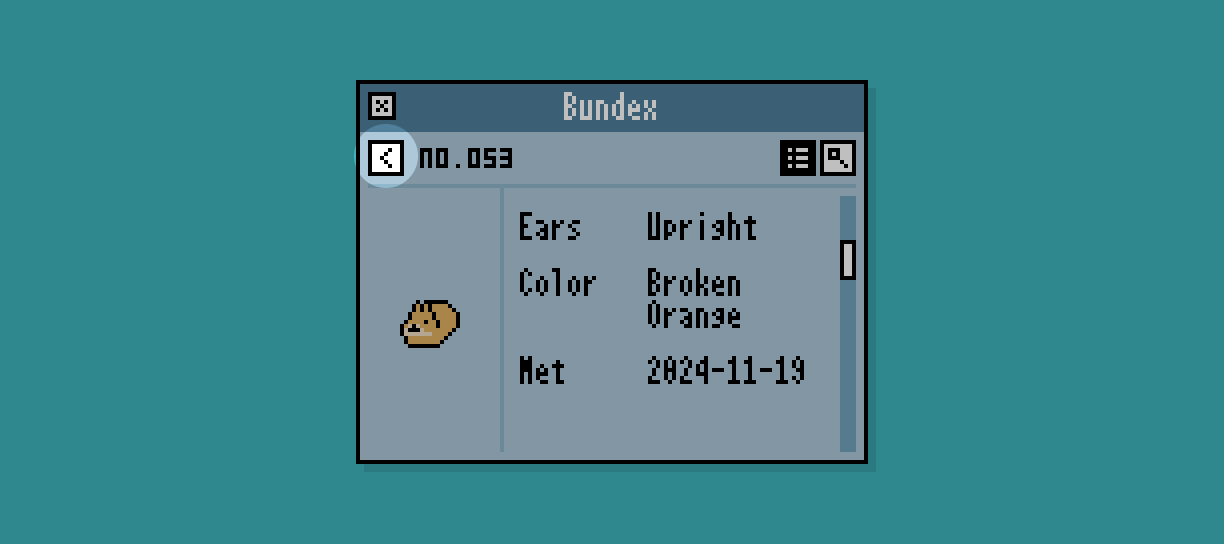
Following this convention, we tried placing the back button at the top-left of the screen area in Buns and Poops at first:
While it happened to fit well here, enforcing a rule to always place this large button at the top-left can be quite restrictive on smaller screens.
With this in mind, how about placing it next to the close button? This way, it doesn’t have to be inside the window, making better use of space.
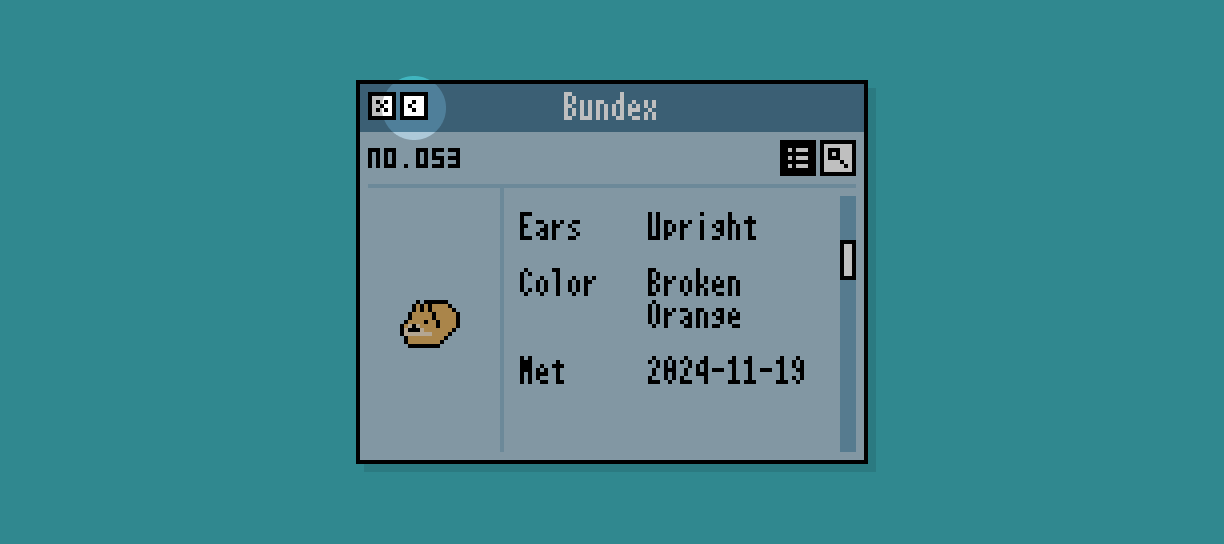
This placement is not commonly seen elsewhere, so it might slightly reduce intuitiveness. However, I believe the benefit of saving space makes up for it.
By organizing the screen, the rules gradually became clearer and seemed applicable to other screens as well.